Modules Split-screen Scroll
Split-screen Scroll
A two-column row where one side stays pinned, and can swap its picture for each step, while the other side scrolls through the story. Opposite mode moves both columns in different directions.
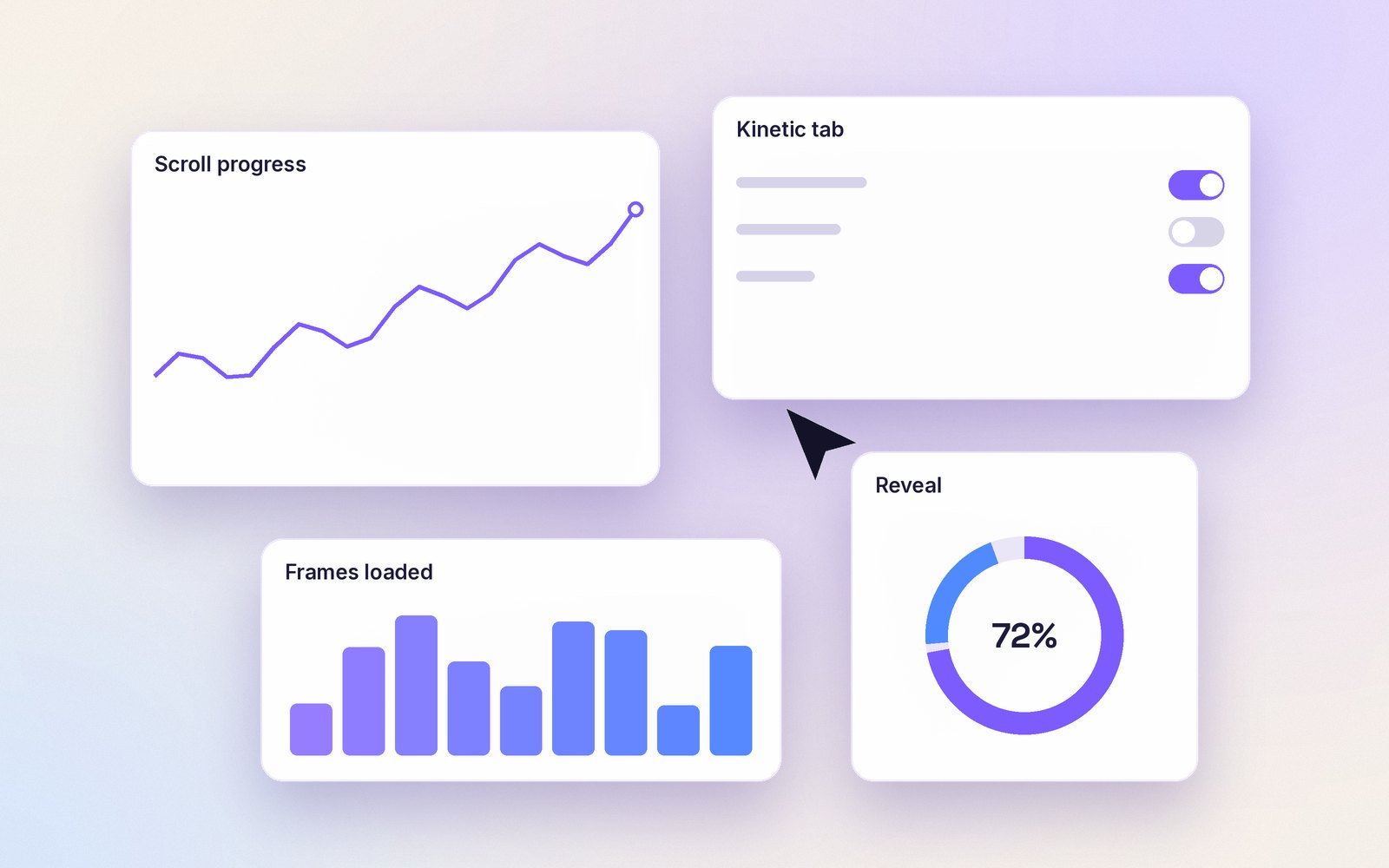
↓ Scroll: the picture on the left changes with each step.

Step 1
Install Kinetic Modules Pro
One plugin with everything: the Kinetic tab, the free modules, and every Pro module and row extension. Nothing loads on pages that do not use it.
Step 2
Already using free?
Pro takes over from the free plugin automatically, with your settings and layouts unchanged. You can then delete the free plugin.
Step 3
Turn on Split-screen
Open the row, go to the Kinetic tab and switch on Split-screen Scroll. Pick the pinned side and the mode.
Live demo
Opposite mode
Both columns move, in opposite directions.



How to use it
Where to find it
Row settings → Kinetic tab → Split-screen Scroll.
Free Free plugin
Split-screen Scroll is a Pro feature. Kinetic Modules Pro is one self-contained plugin: it already includes the free plugin, so you install Pro on its own. Not ready for Pro? The free plugin gives you the Kinetic tab, Scroll Effects and five modules.
Pro In Kinetic Modules Pro
- Pin, swap media per step, or opposite directions
- Step dots with keyboard support
- Pinned side first or last
- Static on phones and for reduced motion
Kinetic Modules
Make your Beaver Builder sites move.
Start with the free plugin. Add Pro when a project needs the big effects.