Modules Before & After Scroll Wipe
Before & After Scroll Wipe
Show a transformation: scrolling wipes the "after" image over the "before" image, left to right, top to bottom or as a growing circle. Phones and reduced-motion visitors get a drag slider that also works with the keyboard.
↓ Scroll: the wireframe becomes the design.
Live demo
Pinned wipe, left to right
The section pins while the wipe completes.
 Wireframe
 Design
Live demo
In place, as a growing circle
No pinning: the circle grows from sketch to final art while the image crosses the screen.
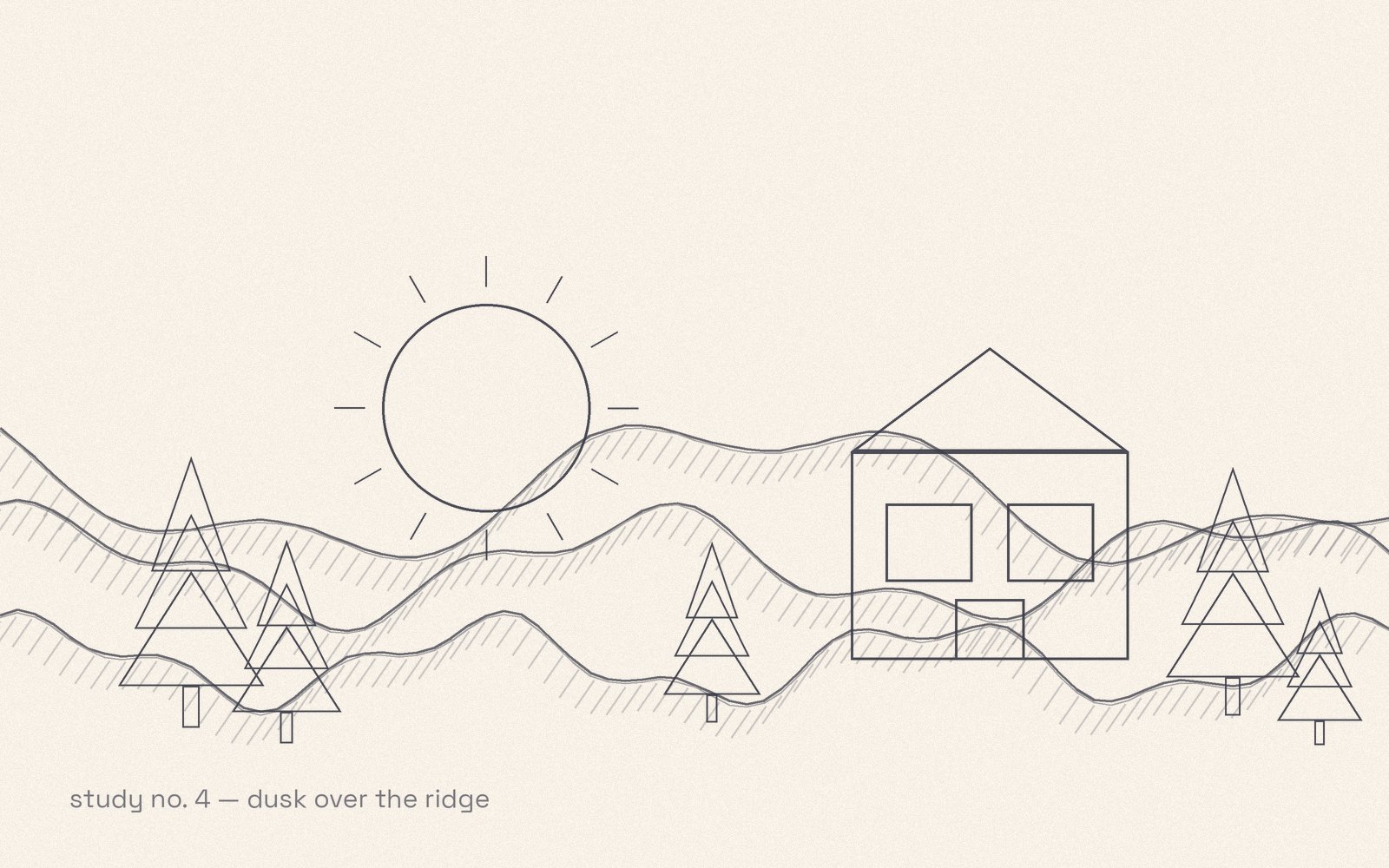 Sketch
 Final
Final
On phones, and for visitors who prefer reduced motion, both become a drag slider you can also move with the arrow keys.
How to use it
Where to find it
Add the Before & After Scroll Wipe module and pick the two images.
Free Free plugin
Before & After Scroll Wipe is a Pro feature. Kinetic Modules Pro is one self-contained plugin: it already includes the free plugin, so you install Pro on its own. Not ready for Pro? The free plugin gives you the Kinetic tab, Scroll Effects and five modules.
Pro In Kinetic Modules Pro
- Five wipe directions, including a circle
- Pin with a scroll length, or wipe in place
- Drag slider on phones and for reduced motion
- Keyboard and screen-reader support
Kinetic Modules
Make your Beaver Builder sites move.
Start with the free plugin. Add Pro when a project needs the big effects.